Mobile application overview
Localization
The documentation provides a description of the interface in Russian.
The 2GIS GeoFlow: Monitoring mobile application allows employees to view the map and the list of their tasks.
The mobile application records data about movements of the agent (employee or transport) during a shift. This data allows administrators to track agent movements in real time and analyze movement history in the web panel: see the Administrator guide.
2GIS GeoFlow: Logistics
If 2GIS GeoFlow: Monitoring is used along with 2GIS GeoFlow: Logistics, then employees can use the navigator in the mobile application to build a route: see the 2GIS GeoFlow: Logistics employee guide.
Application interface
With the Employee role, you can work with the following tabs in the mobile application:
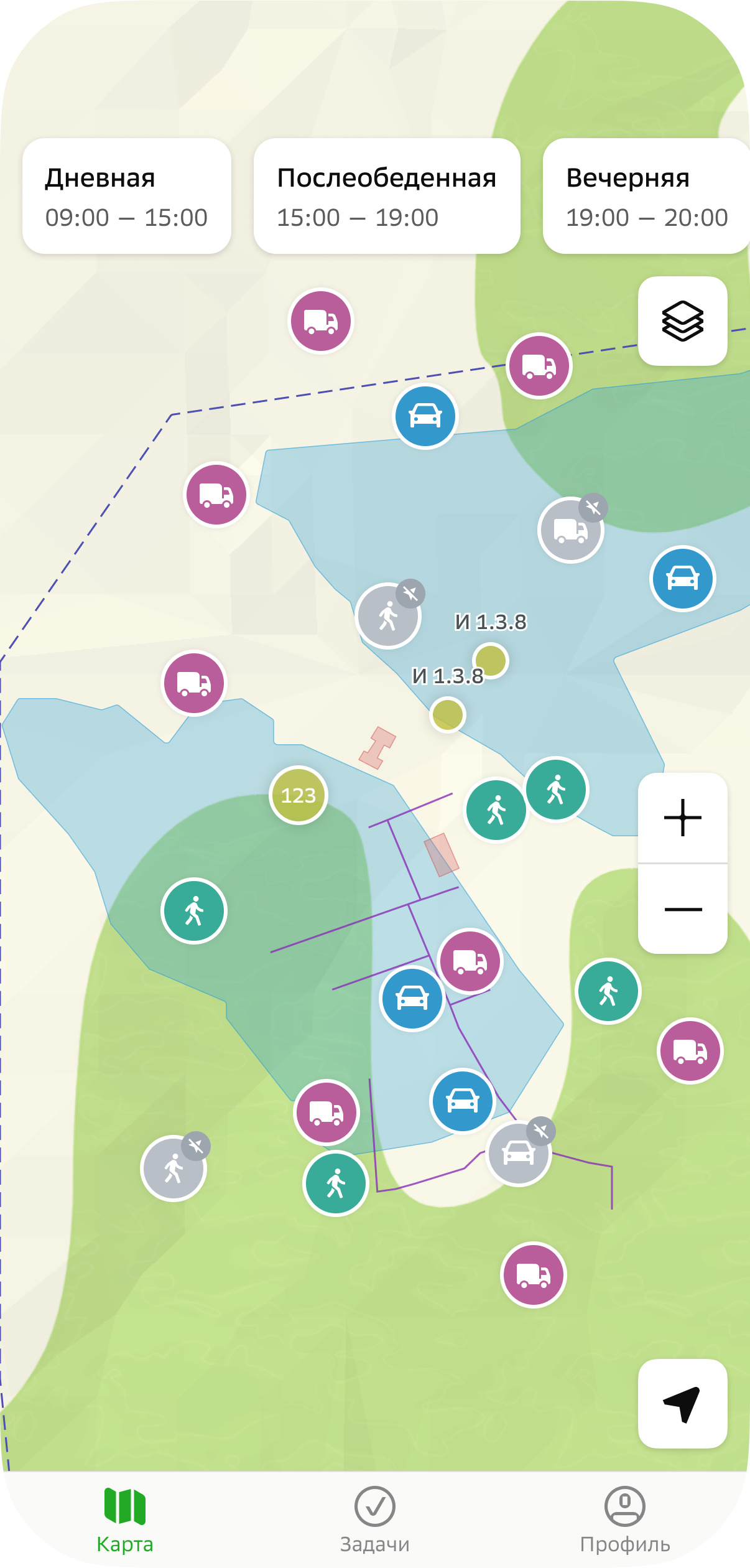
- Map: to view the map and information about agents, shifts, geofences, and infrastructure objects.
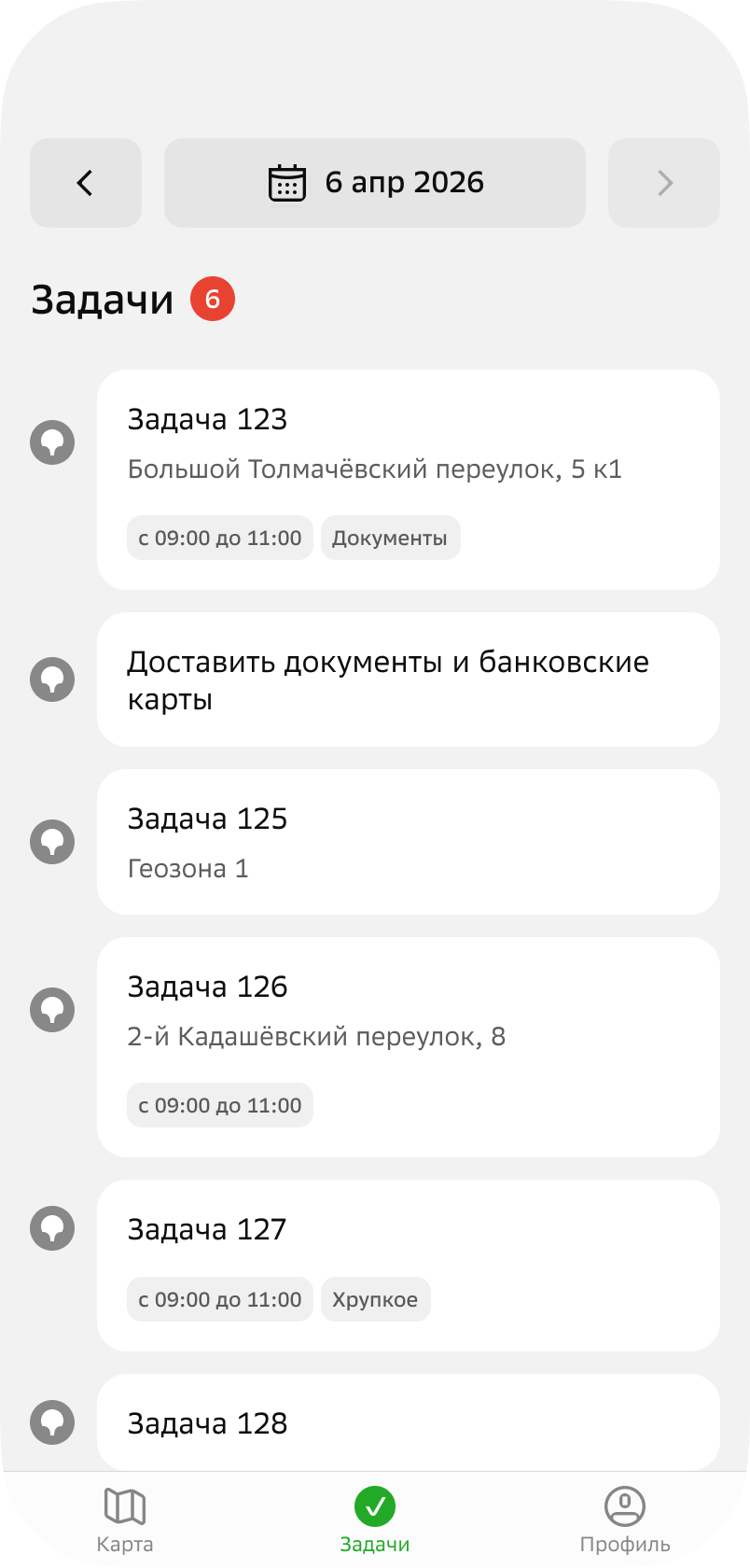
- Tasks: to view tasks within shifts and work with them. Tasks and shifts are created by the users with the Main administrator, Company administrator, and Dispatcher roles in the web panel: see more details in the Administrator guide.
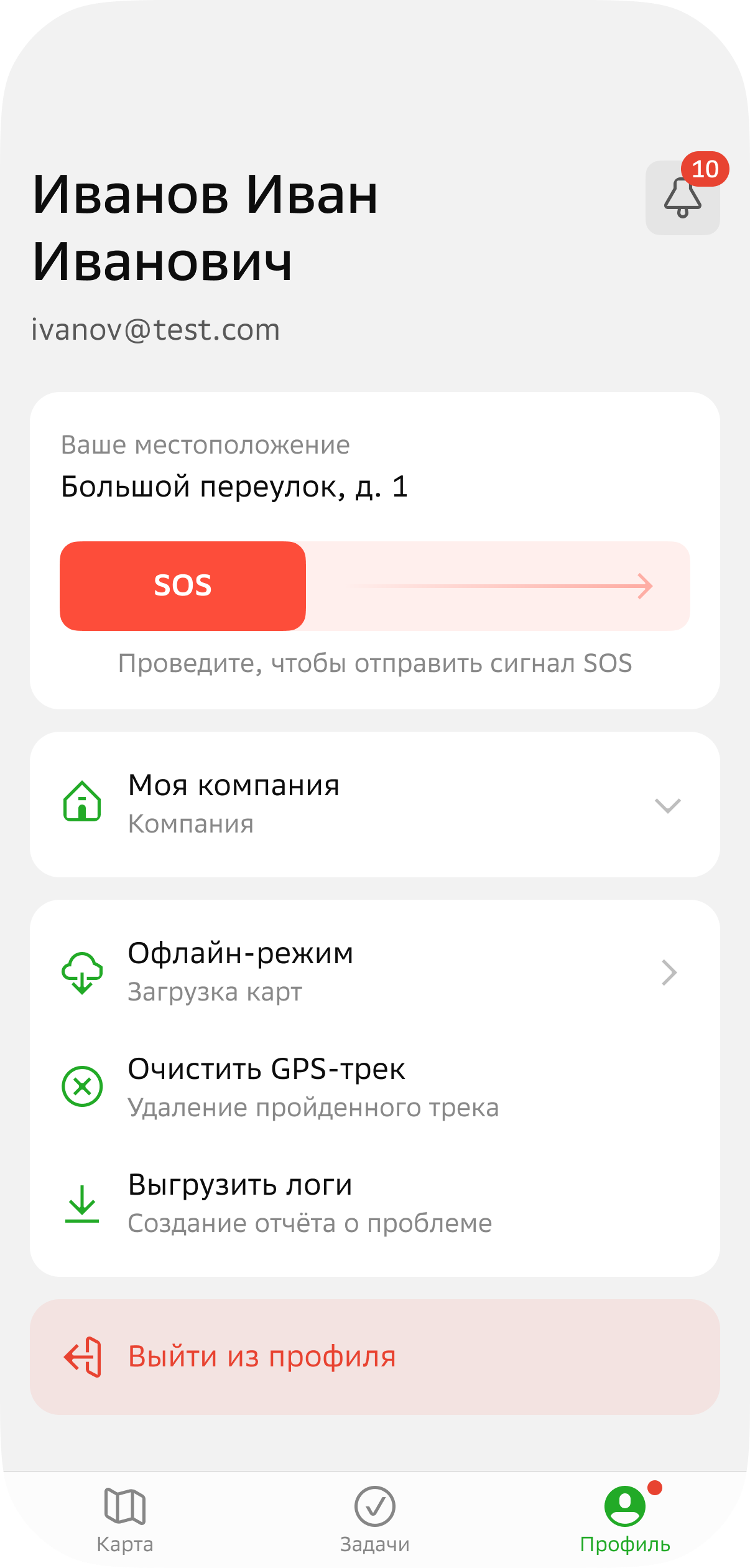
- Profile: to view notifications, manage settings, and send an SOS signal.