Getting started
The documentation provides a description of the interface in Russian.
To get started with 2GIS GeoFlow: Logistics:
-
Contact your organization to get access to the 2GIS GeoFlow: Logistics mobile application.
-
Install the application on your mobile device.
-
Log in to the application using one of the following ways:
-
Receive an email invitation from the administrator. After completing registration, log in to the application using your email and password.
-
Receive a login and temporary password from the administrator and use them to log in. On the first login, you will be able to change the password to a permanent one. If necessary, the administrator can reset the permanent password later.
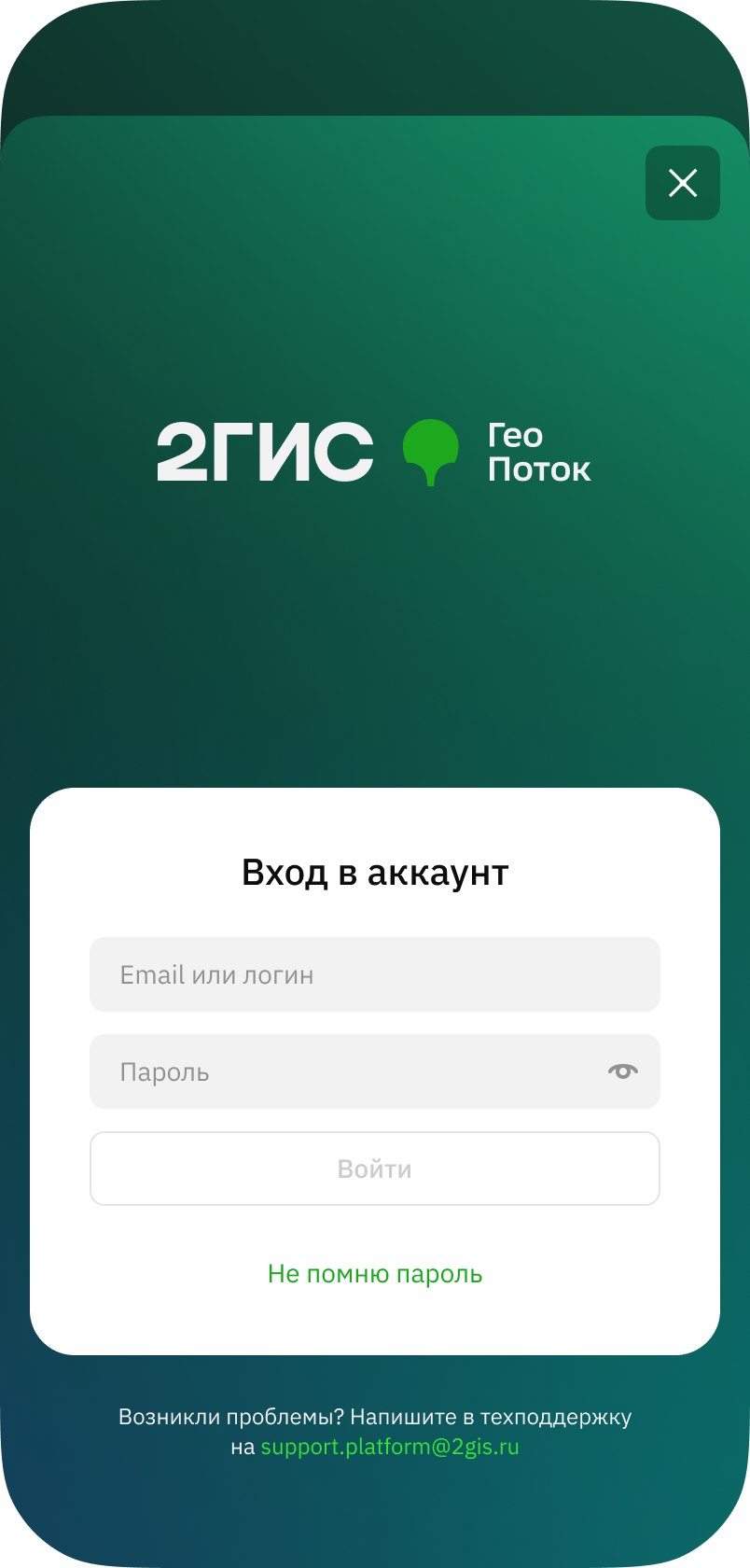
-
-
When asked, grant the application access to the features required for operation:
- obtaining precise location data of the device (including in the background)
- background operation (for recording movement data during a shift)
- searching for nearby devices
- sending notifications
- disabling battery charge optimization
-
To ensure stable operation of the application and location sharing, disable the VPN.
-
(Recommended) Download an offline map of the territory where you plan to work to avoid dependence on network quality:
- Go to the Profile tab and tap Offline mode.
- Select and download the territories.