Depots
The documentation provides a description of the interface in Russian.
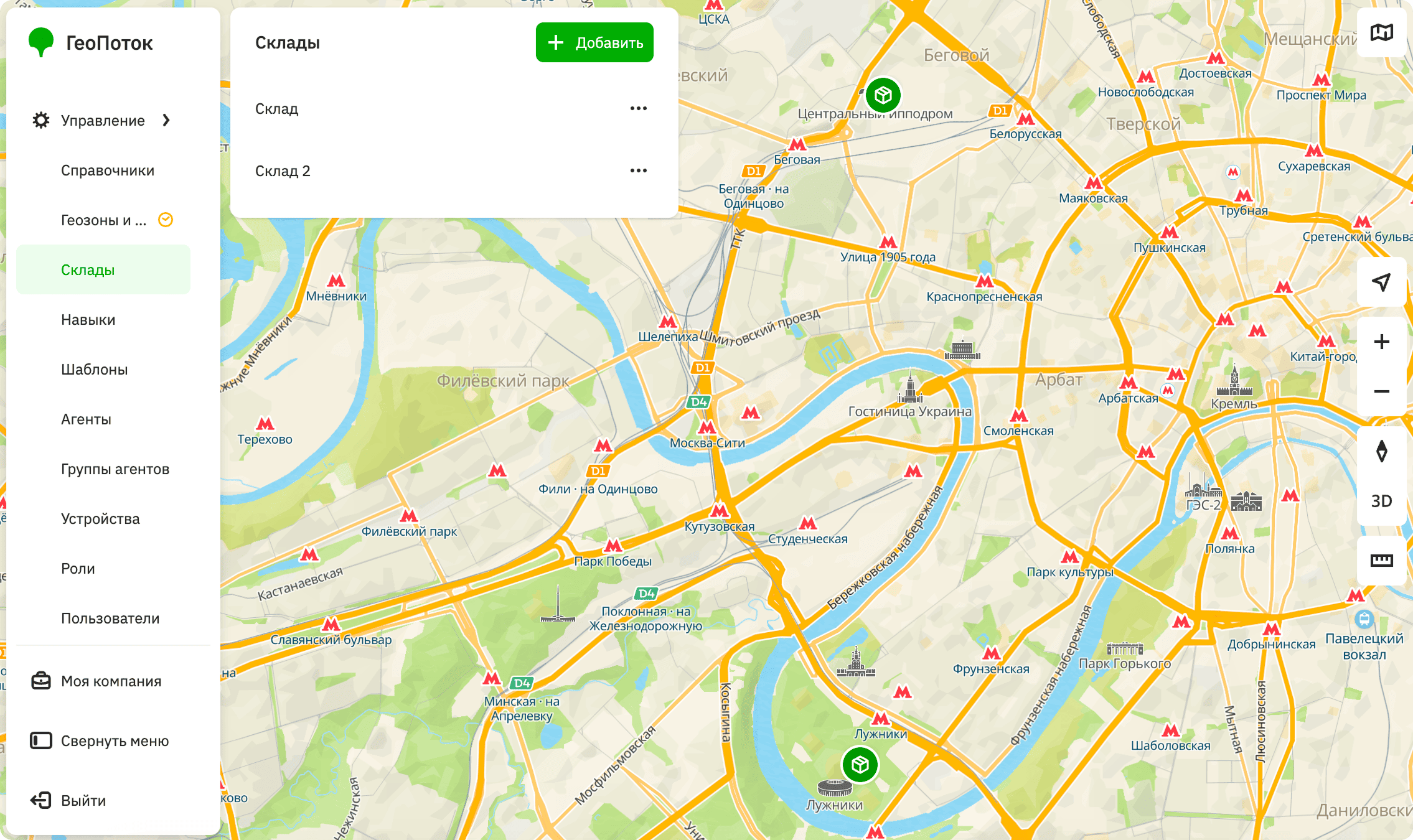
Depots are points where agents can pick up orders or shipments. Depots are used in creating tasks within route plans. Agents can start or end their work at a depot, and a depot can also be an intermediate point.
You can create depots during the process of creating a plan.
With the Main administrator and Company administrator roles, you can work with depots on the Management → Depots tab:
With the Dispatcher role, you can view the list of depots and their information.
Creating a depot
-
Go to the Management → Depots tab.
-
Click Add.
-
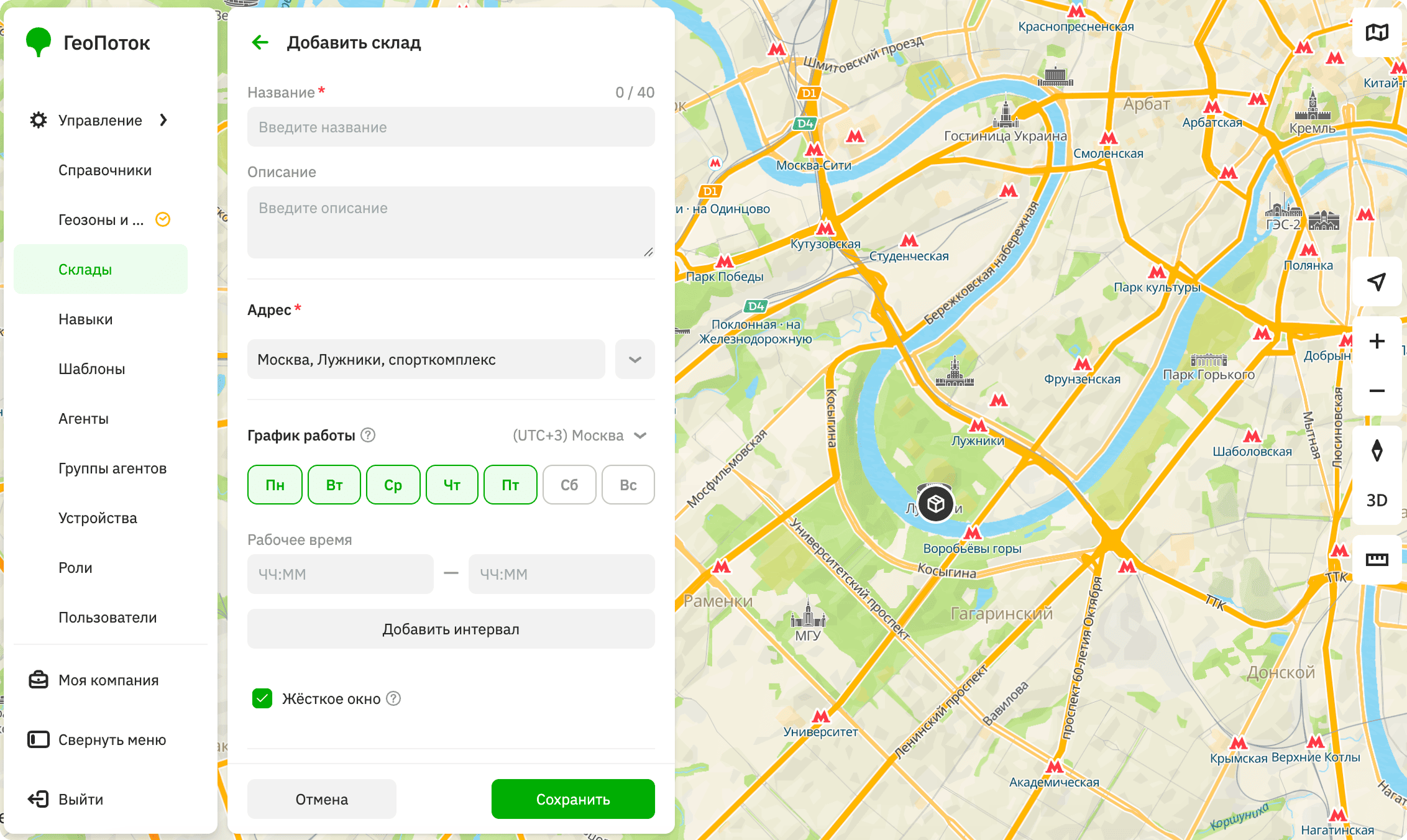
Specify the depot parameters:
-
Name (mandatory parameter): depot name.
-
Description: depot description.
-
Address (mandatory parameter): specify the depot address in one of the following ways:
- Click the point on the map. You can drag
 icon to any location on the map.
 - Enter the depot address in the field and select the option from the dropdown list.
- Enter the depot coordinates in the
longitude, latitudeformat (e.g.,37.607132,55.7680412).
If necessary, specify the entrance, floor, office, and a comment for the address.
- Click the point on the map. You can drag
-
Work schedule: depot operating hours, taken into account when you create route plans:
- Time zone: time zone in which the depot working hours are specified.
- Days of the week: days of the week when the depot operates.
- Working hours: time interval when the depot operates. To add a working interval, click Add interval and enter the time. To delete an interval, click
 icon next to it.
 - Hard time window: select the checkbox if the depot can only be visited at the specified time. If an agent cannot arrive at the depot within the specified time interval, the depot is excluded from route calculation.
-
Order assembly time in minutes: time required to assemble an order at the depot.
-
-
Click Save.
When creating tasks for a route plan, specify the depot in the Depot field.
Editing a depot
You can change the name, address, work schedule, and other parameters of the depot.
- Go to the Management → Depots tab.
- In the depot row, click
 icon and select Edit.
 - Apply changes.
- Click Save.
Deleting a depot
A depot will be excluded from route plans and tasks.
- Go to the Management → Depots tab.
- In the depot row, click icon and select Delete.
- Confirm the deletion.