Mobile application overview
The documentation provides a description of the interface in Russian.
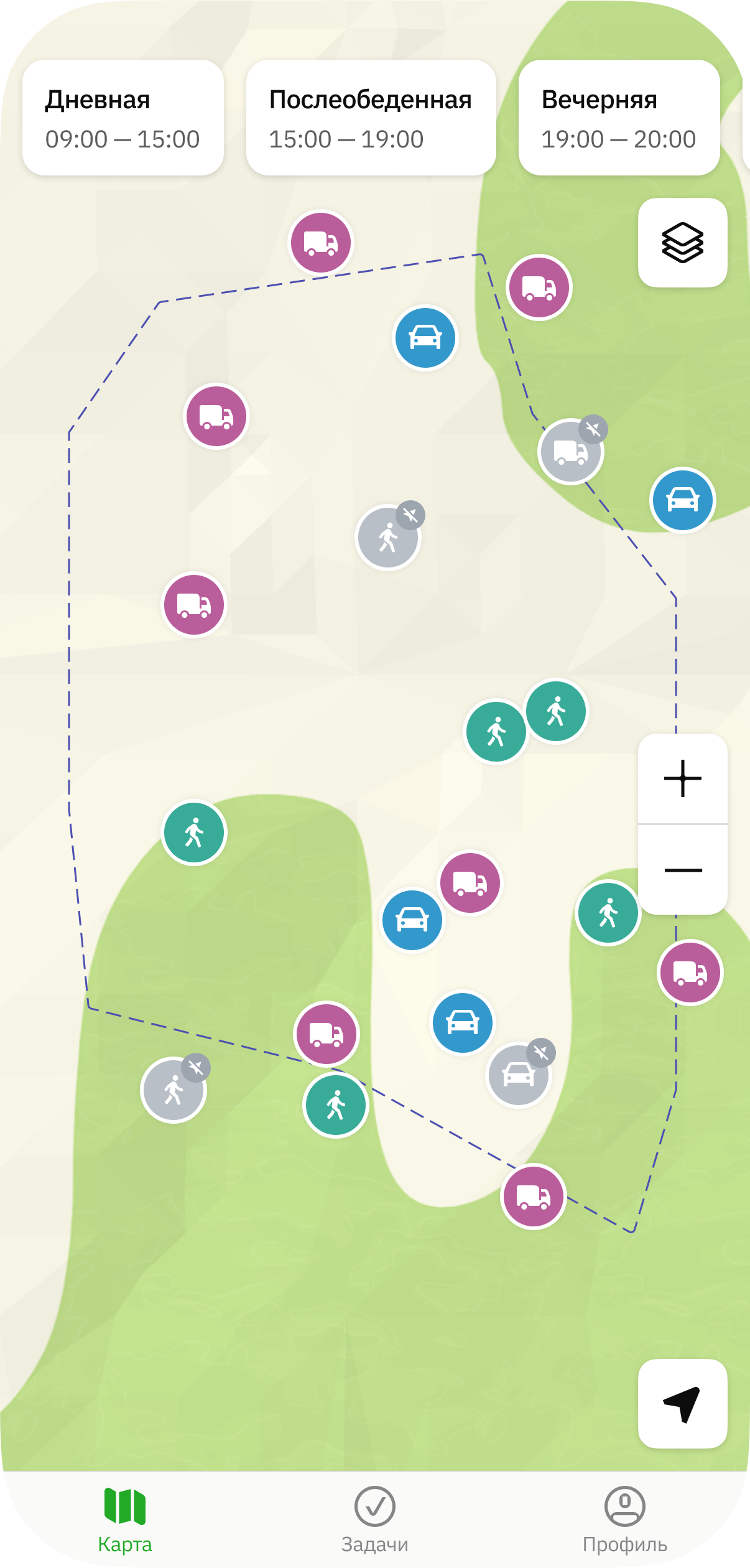
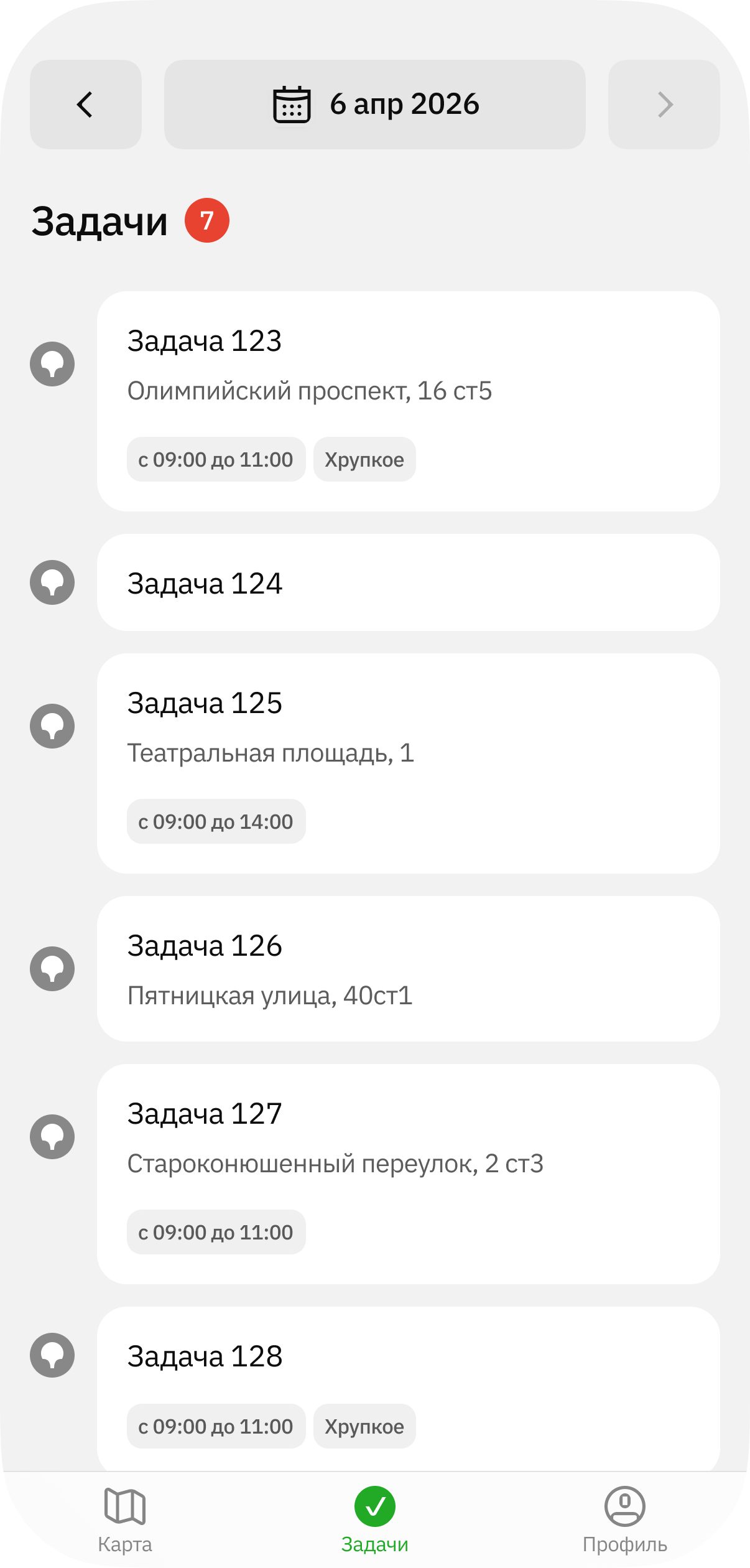
The 2GIS GeoFlow mobile application allows employees to view the map, information about infrastructure objects, and the list of their tasks.
The mobile application records data about movements of the agent (employee or transport) during a shift. This data allows administrators and dispatchers to track agent movements in real time and analyze movement history in the administrator web panel: see the Administrator guide.
Application interface
Work with the following tabs in the mobile application:
- Map: to view the map, agents on the map, and information about agents.
- Tasks: to view tasks and work with them. Tasks are created by the administrator, dispatcher, or agent group manager in the administrator web panel: see more details in the Administrator guide.
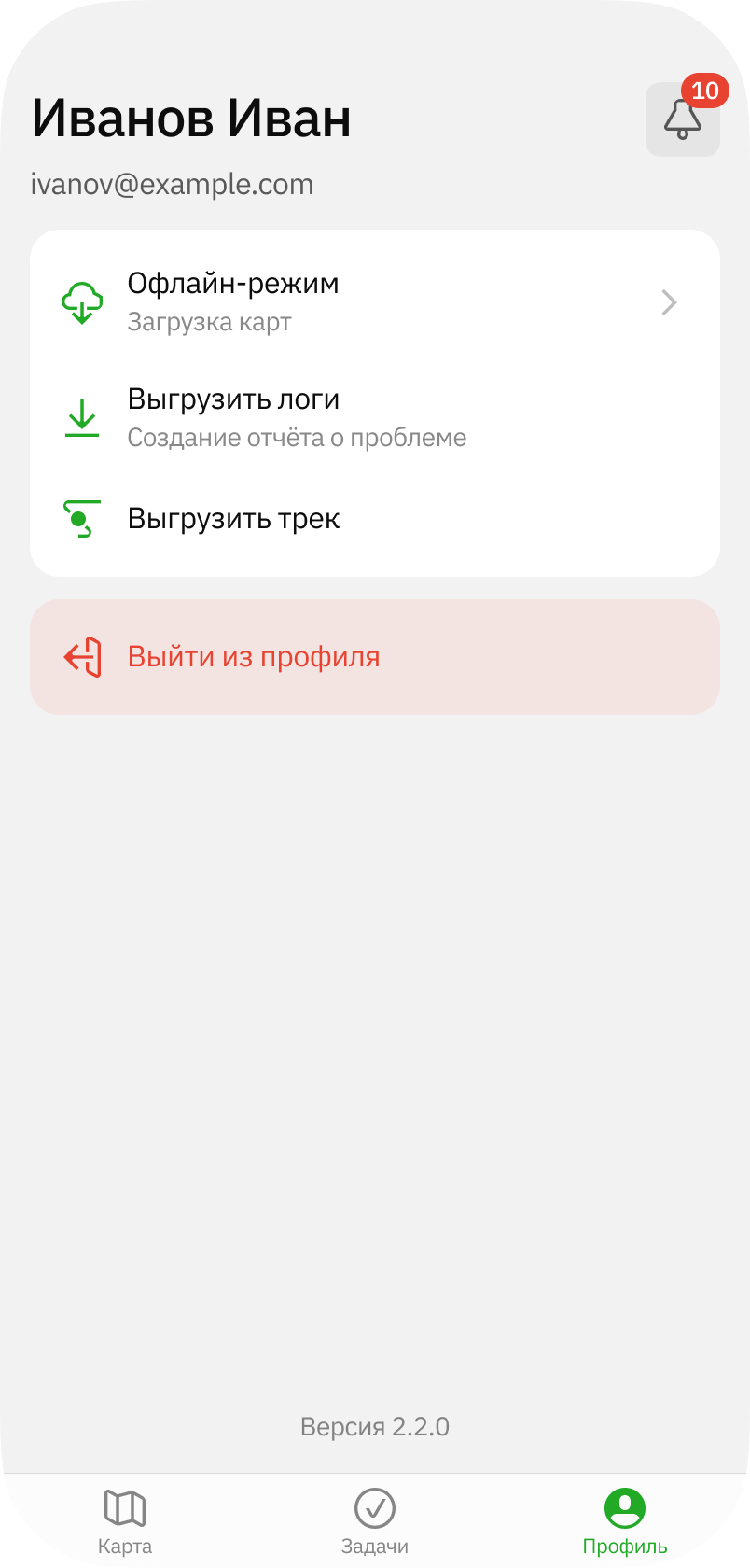
- Profile: to view personal data, notifications, and manage settings.
Getting started
-
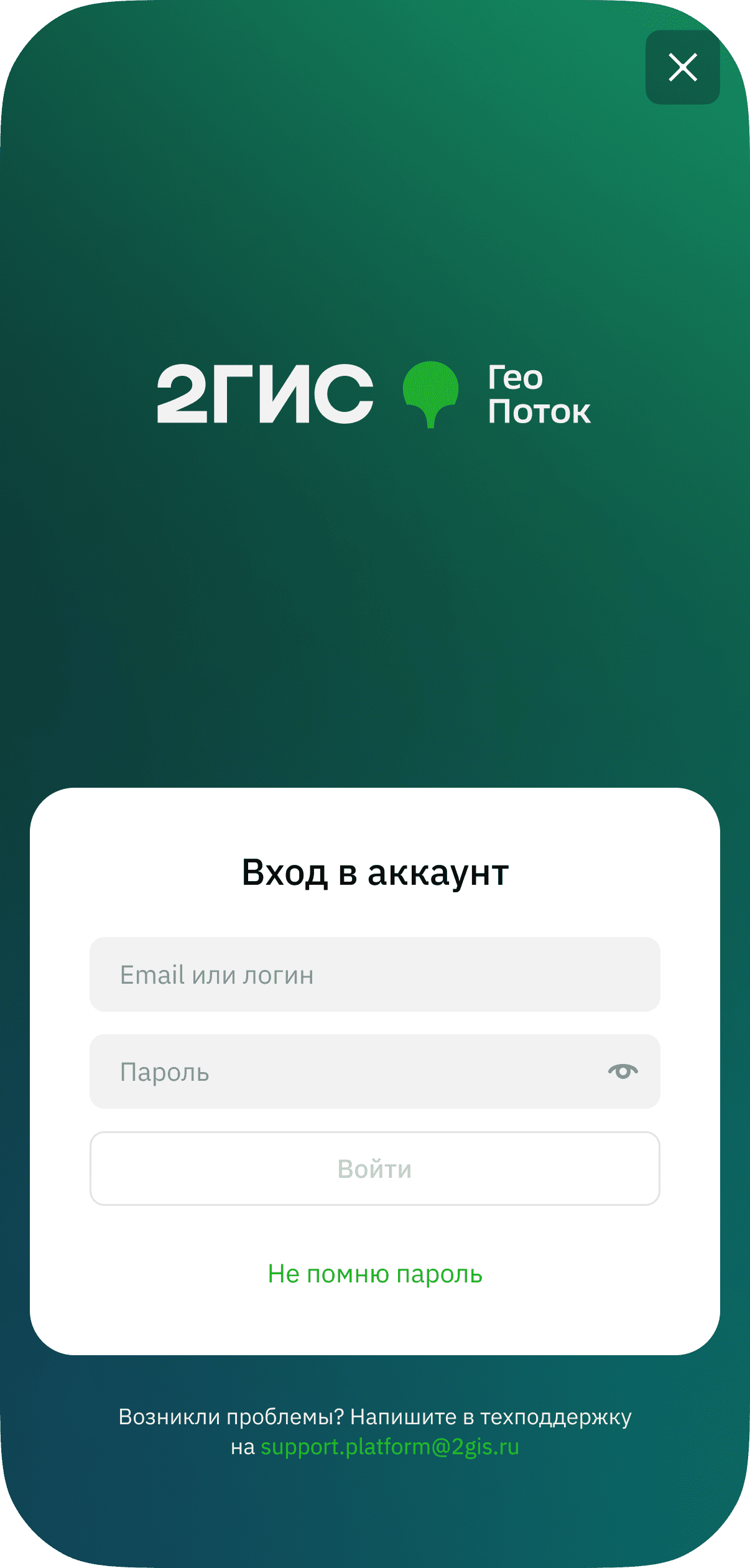
Log in to the application using one of the following ways:
-
Receive an email invitation from the administrator. After completing registration, log in to the application using your email and password.
-
Receive a login and temporary password from the administrator and use them to log in. On the first login, you will be able to change the password to a permanent one. If necessary, the administrator can reset the permanent password later.
-
-
When asked, grant the application access to the features required for operation:
- obtaining precise location data of the device (including in the background)
- background operation (for recording movement data during a shift)
- searching for nearby devices
- sending notifications
- disabling battery optimization
-
To ensure stable operation of the application and location sharing, disable the VPN.
-
(Recommended) Download an offline map of the territory where you plan to work to avoid dependence on network quality:
- Go to the Profile tab and tap Offline mode.
- Select and download the territories.