Profile
Localization
The documentation provides a description of the interface in Russian.
On the Profile tab of the mobile application, you can:
- view and manage notifications
- download offline maps to work autonomously
- export logs and tracks for reporting an issue
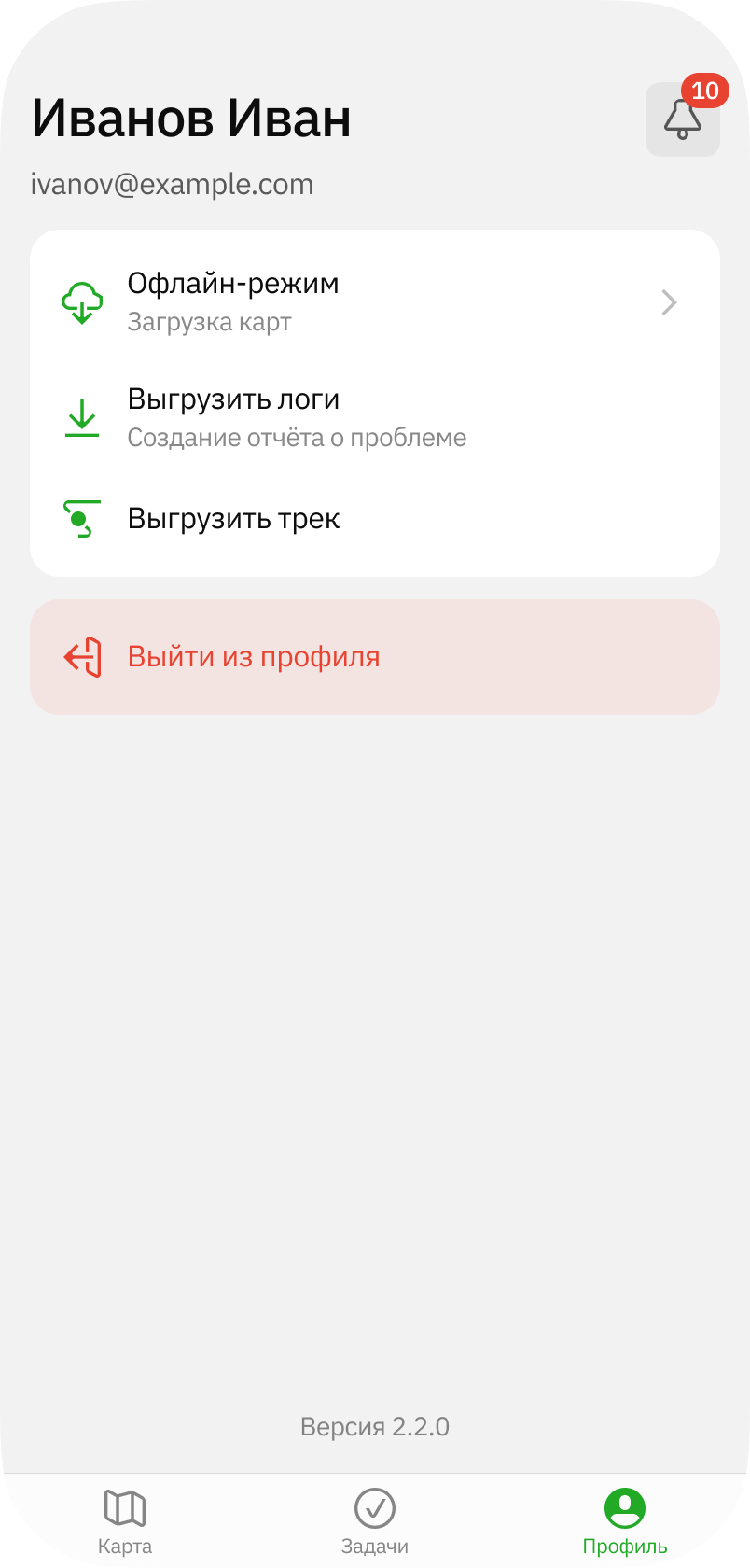
Viewing and managing notifications
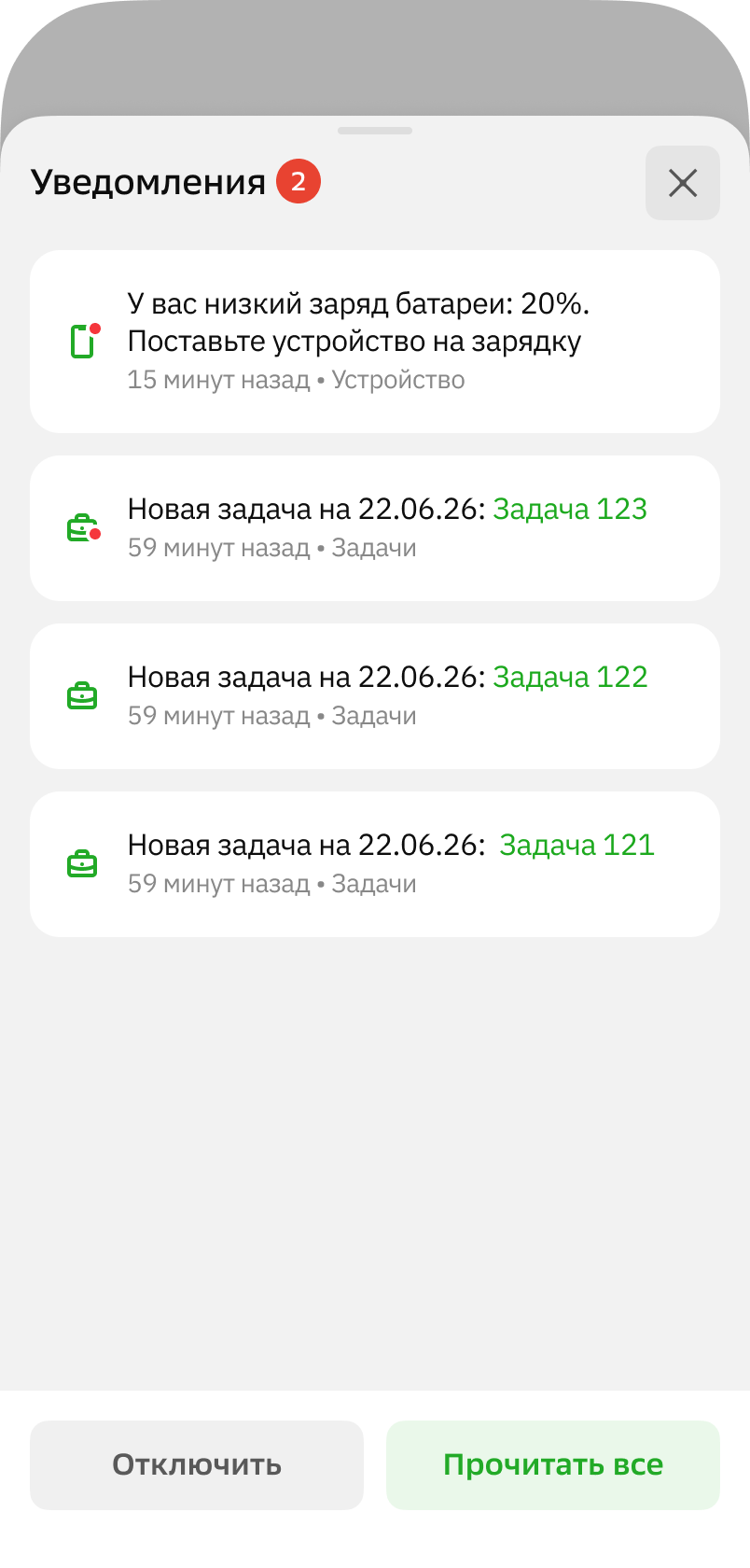
Notifications are sent to agents for the following events:
- agent is assigned a task
- low battery level on the agent's device
To open notifications, click on the bell icon in the upper-right corner of the screen. To mark all notifications as read, click Mark all as read. To manage sending push notifications, click Enable or Disable, respectively.
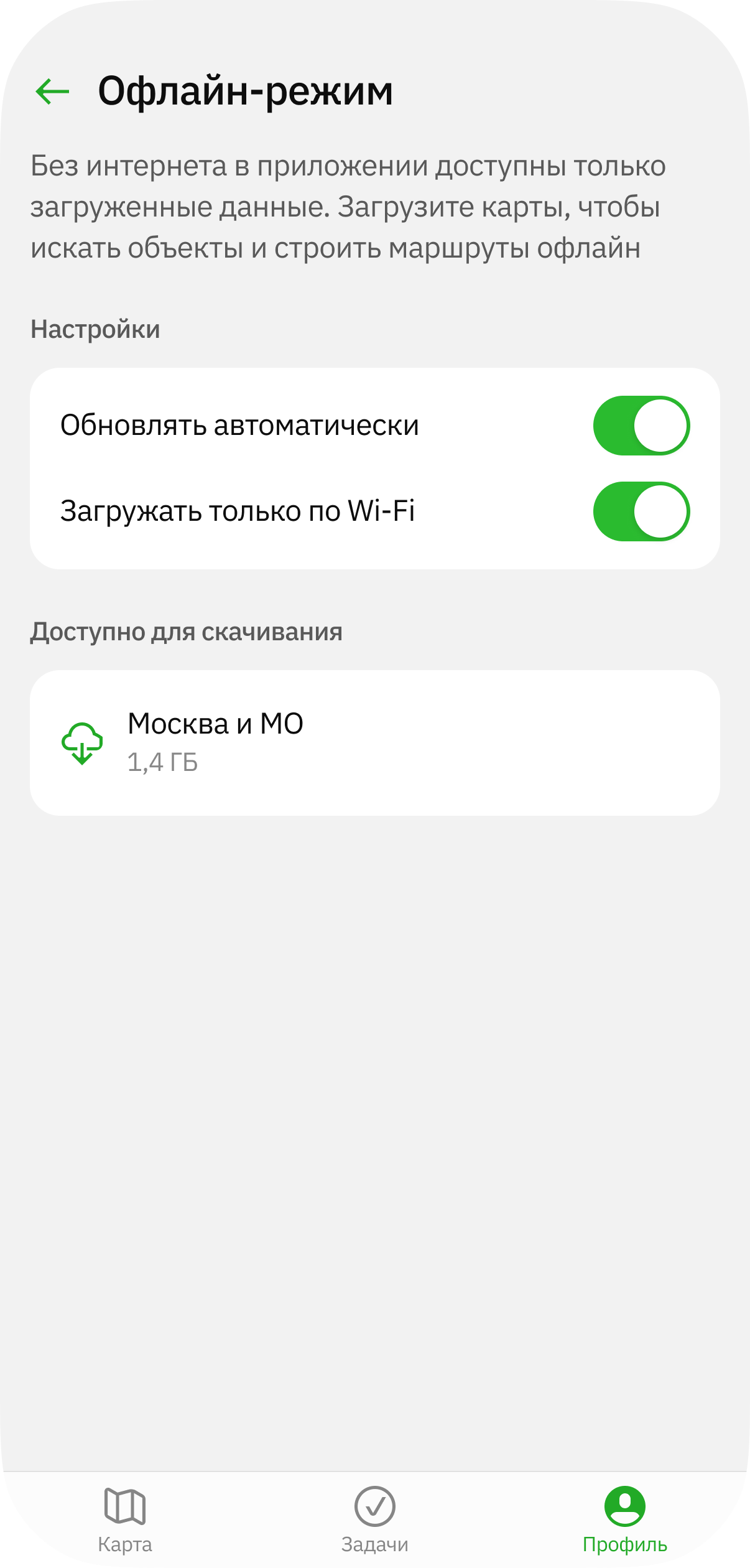
Downloading maps
To download an offline map to work autonomously, go to the Offline mode section, select a map, and click it.
Exporting logs and tracks
To create an archive with logs in .zip format for reporting an issue, click Export logs. To create a file with tracks, click Export track.
You can download or send these files.