Map style
Localization
The documentation provides a description of the interface in Russian.
By default, in the administrator web panel, the map style specified in the settings is used.
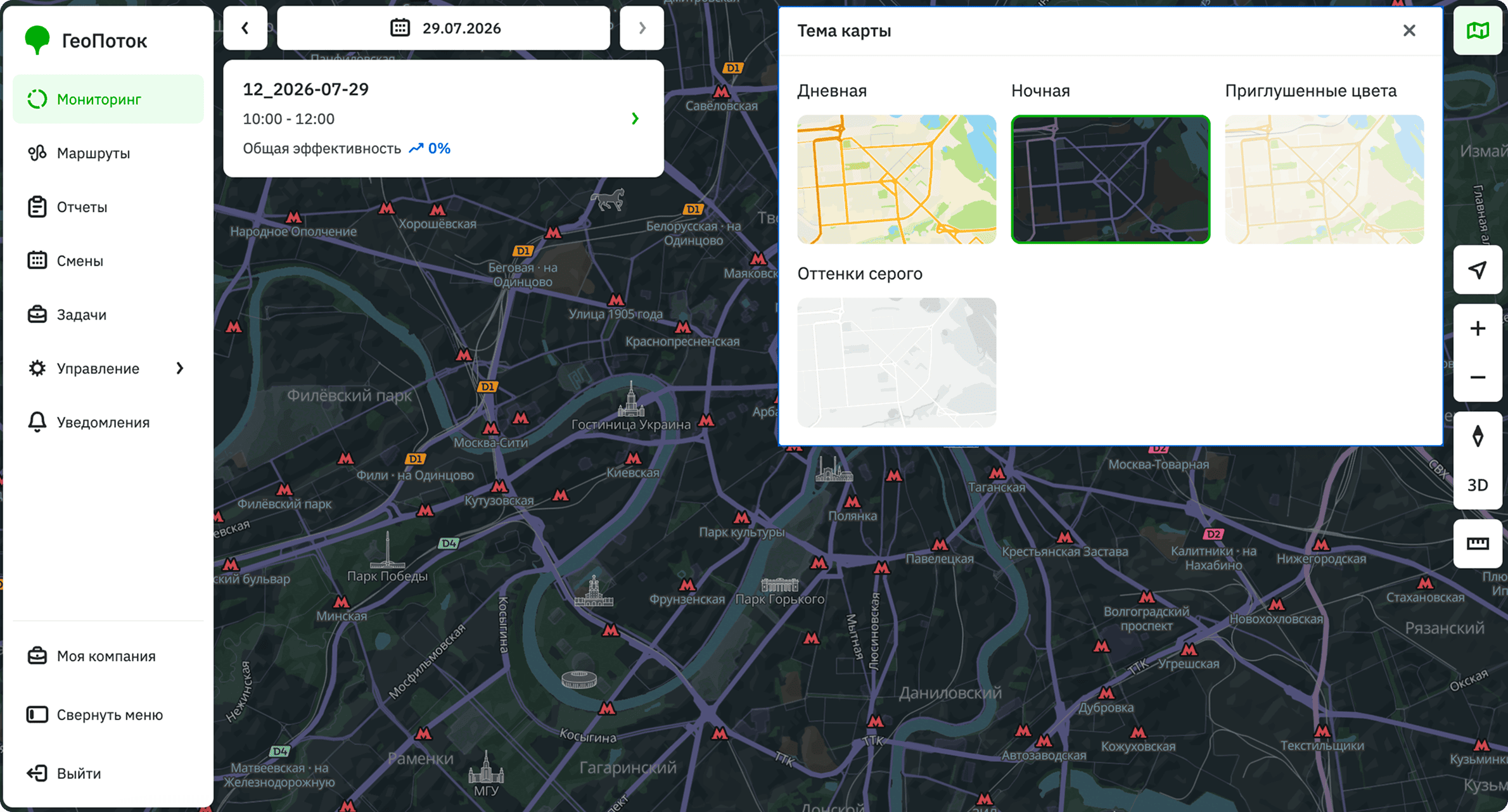
With the Main administrator, Company administrator, Dispatcher, and Agent group manager roles, you can change the map style:
-
Go to the Monitoring tab.
-
In the upper-right corner of the map, click
 icon.
icon. -
In the Map theme dialog, select the built-in theme (color scheme for the 2GIS map): Day, Night, Pastel, or Grayscale.